


This Canva Pro review will help bloggers, content creators, and online entrepreneurs understand whether Canva Pro is worth it in 2026. Canva Pro is one of the most popular design tools used for creating blog images, social media graphics, YouTube thumbnails, and marketing materials. In this Canva Pro review, we will explore Canva Pro features, pricing, pros and cons, and compare Canva Free vs Canva Pro.
If you are a blogger, content creator, affiliate marketer, or online business owner, you already know how important visual content is. Today, articles with images perform better, social media posts with graphics get more engagement, and YouTube thumbnails increase click-through rate. Because of this, graphic design tools have become essential for anyone building an online presence.
One of the most popular design tools today is Canva. Many beginners start with Canva Free, but later they start asking an important question: Is Canva Pro worth it?
In this Canva Pro review, we will look at Canva Pro features, pricing, pros and cons, Canva Free vs Canva Pro comparison, and whether Canva Pro is worth it for bloggers, content creators, and online entrepreneurs in 2026.
This guide is especially useful for:
- Bloggers
- Affiliate marketers
- Content creators
- YouTubers
- Social media managers
- Online business owners
- Freelancers
- Students
- Digital marketers
By the end of this article, you will clearly understand whether Canva Pro is worth your money and how it can help you grow your blog or online business.
Quick Answer – Is Canva Pro Worth It?
Yes, Canva Pro is worth it for bloggers and content creators because it provides premium templates, stock photos, background remover, brand kit, magic resize, and many design tools that save time and help create professional graphics quickly. If you create content regularly, Canva Pro can be one of the most useful tools you use.
What Is Canva Pro
Canva Pro is the paid version of Canva, an online graphic design platform that allows users to create graphics, presentations, blog images, social media posts, YouTube thumbnails, logos, infographics, and marketing materials without advanced design skills.
Canva Pro includes many advanced features that are not available in the free version. For example, users get access to premium templates, millions of stock photos, brand kit, background remover, and magic resize. Because of these features, Canva Pro is widely used by bloggers, marketers, and businesses.
In addition, Canva is very easy to use. You do not need Photoshop or graphic design experience. Everything works with drag-and-drop tools, which makes it perfect for beginners.
Canva Free vs Canva Pro
One of the most important things to understand in this Canva Pro review is the difference between Canva Free and Canva Pro.
Canva Free vs Canva Pro Comparison
| Feature | Canva Free | Canva Pro |
|---|---|---|
| Free Templates | Yes | Yes |
| Premium Templates | No | Yes |
| Stock Photos | Limited | Millions |
| Background Remover | No | Yes |
| Magic Resize | No | Yes |
| Brand Kit | No | Yes |
| Premium Fonts | No | Yes |
| Cloud Storage | Limited | Large |
| Export Options | Basic | Advanced |
| Social Media Scheduler | No | Yes |
Main Difference Between Canva Free and Canva Pro
Canva Free is good for beginners. However, Canva Pro is much better for people who create content regularly. For example, bloggers who create featured images, Pinterest pins, and infographics will benefit a lot from Canva Pro.
On the other hand, if you only design occasionally, Canva Free may be enough. Therefore, the choice depends on how often you create designs.

Canva Pro Features
Canva Pro includes many powerful features that make it very useful for bloggers and content creators.
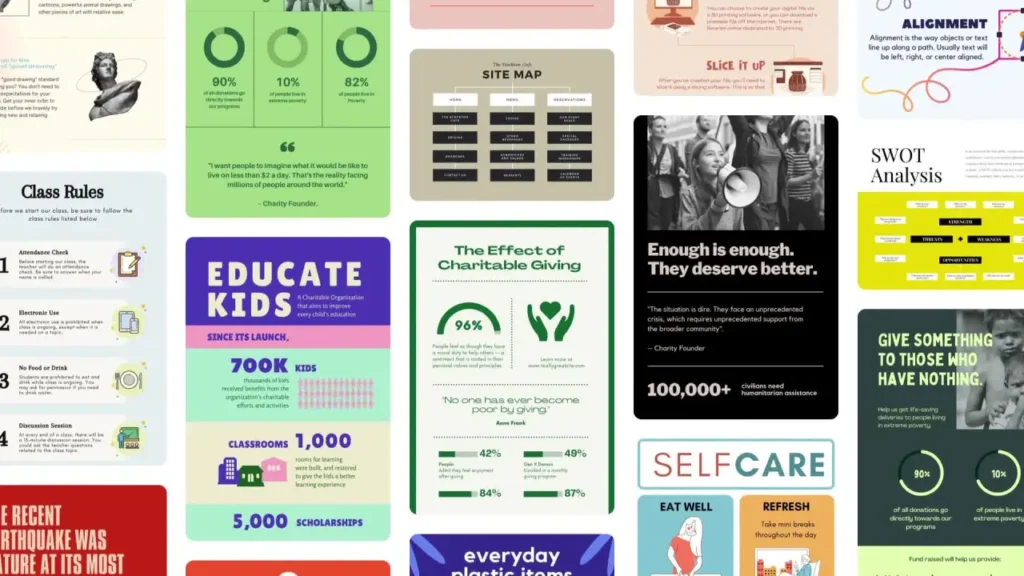
1. Premium Templates
Canva Pro gives access to thousands of premium templates for:
- Blog featured images
- Pinterest pins
- Instagram posts
- Facebook posts
- YouTube thumbnails
- Presentations
- Infographics
- Posters
- Marketing materials
- eBooks
- Digital products
Because templates are already designed professionally, you only need to edit text and images. As a result, you can create professional graphics in minutes.
2. Stock Photos and Videos
Another major Canva Pro feature is access to millions of stock photos, videos, icons, and graphics. Normally, stock photo websites cost money, but Canva Pro includes a huge library.
For example, bloggers can use Canva Pro photos for:
- Blog images
- Featured images
- Social media posts
- Marketing graphics
- Pinterest pins
- Affiliate marketing images
Because of this, Canva Pro can replace stock photo websites.
3. Background Remover
The background remover is one of the most popular Canva Pro tools. With one click, you can remove the background from any image.
This feature is very useful for:
- YouTube thumbnails
- Product images
- Profile pictures
- Marketing graphics
- Social media content
Without Canva Pro, you would need another tool for background removal. However, Canva Pro includes it.
4. Magic Resize
Magic Resize allows you to resize one design into multiple sizes instantly.
For example:
- Blog image → Pinterest pin
- Instagram post → Facebook post
- YouTube thumbnail → Twitter image
- Presentation → Social media graphics
This feature saves a lot of time, especially for content creators who post on multiple platforms.
5. Brand Kit
Brand Kit allows you to save:
- Brand colors
- Brand fonts
- Logo
- Brand templates
This is very important for bloggers and businesses because branding should be consistent. With Brand Kit, all designs will match your brand colors and fonts.
Canva Pro Pricing
Canva Pro is available in monthly and yearly plans.
Canva Pro Review – Pricing
- Monthly plan: about $12–15 per month
- Yearly plan: about $120 per year
The yearly plan is cheaper than paying monthly. Therefore, many bloggers and creators choose the yearly plan.
Compared to Photoshop and other design software, Canva Pro is relatively affordable.
Canva Pro Pros and Cons
Canva Pro Review – Pros
- Easy to use
- Beginner friendly
- Thousands of templates
- Millions of stock photos
- Background remover
- Magic resize
- Brand kit
- Saves time
- Professional designs
- Good for bloggers and marketers
Canva Pro Review – Cons
- Monthly or yearly cost
- Not as advanced as Photoshop
- Requires internet connection
- Some features are limited compared to professional design software
However, for most bloggers and content creators, the pros are much greater than the cons.
Canva Pro for Bloggers
Canva Pro is extremely useful for bloggers. Bloggers need many types of images, such as:
- Featured blog images
- Pinterest graphics
- Infographics
- Blog banners
- Social media images
- Email marketing graphics
- Affiliate marketing graphics
With Canva Pro, bloggers can create all these designs in one place. In addition, Magic Resize allows bloggers to convert blog images into Pinterest pins instantly.
Because of this, many successful bloggers use Canva Pro daily.
Canva Pro for Content Creators
Content creators need graphics for social media, videos, thumbnails, and marketing. Canva Pro helps content creators create professional designs quickly.
Content creators can use Canva Pro for:
- Instagram posts
- Facebook posts
- TikTok graphics
- YouTube thumbnails
- Presentations
- Digital products
- eBooks
- Course materials
Therefore, Canva Pro is one of the most useful tools for content creators.
Canva Pro for YouTube Thumbnails
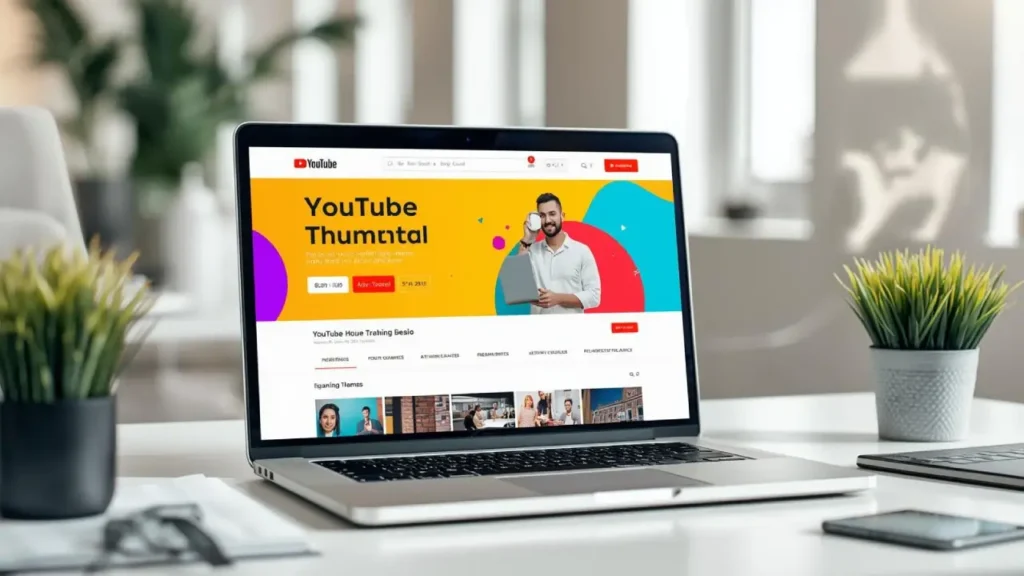
One of the most popular uses of Canva Pro is designing YouTube thumbnails. YouTube thumbnails are very important because they directly affect click-through rate (CTR). A good thumbnail can increase video views, while a poor thumbnail can reduce clicks even if the video is good.
With Canva Pro, creators can easily design professional YouTube thumbnails using templates, fonts, icons, background remover, and stock images. Instead of starting from scratch, you can choose a thumbnail template and customize it with your text, colors, and images.
In addition, the background remover tool makes it easy to cut out your face or objects and place them on thumbnails. This is very useful for YouTubers who want eye-catching thumbnails.
Canva Pro also allows you to create consistent thumbnail styles using the Brand Kit. This helps your YouTube channel look professional and recognizable.
Because of these features, many YouTubers use Canva Pro to design thumbnails, channel art, and social media graphics. Therefore, Canva Pro is a very useful tool for anyone running a YouTube channel.
Canva Pro for Affiliate Marketing
Affiliate marketers also benefit from Canva Pro because they need:
- Product images
- Comparison graphics
- Pinterest pins
- Social media marketing graphics
- Email graphics
- Landing page graphics
With Canva Pro, affiliate marketers can create attractive graphics that increase clicks and conversions.
As a result, Canva Pro can indirectly help affiliate marketers make more money.
Canva Pro Workflow for Bloggers
A typical blogger can use Canva Pro like this:
- Create blog featured image
- Resize to Pinterest pin
- Create Instagram post
- Create Facebook post
- Create email graphic
- Create infographic for article
- Create YouTube thumbnail
This entire workflow can be done inside Canva Pro.
Because everything is in one place, Canva Pro saves time and improves productivity.
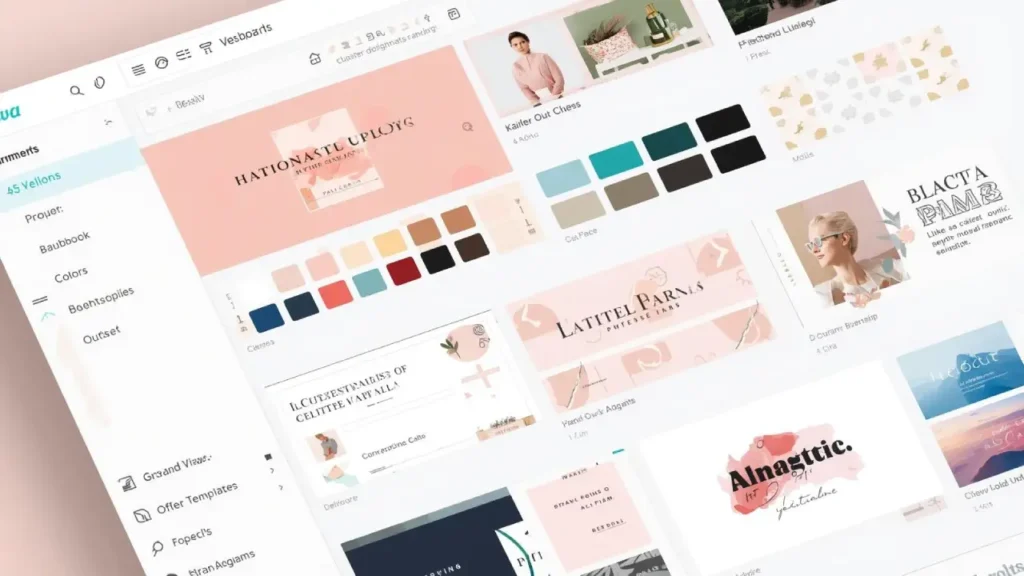
Canva Pro Brand Kit
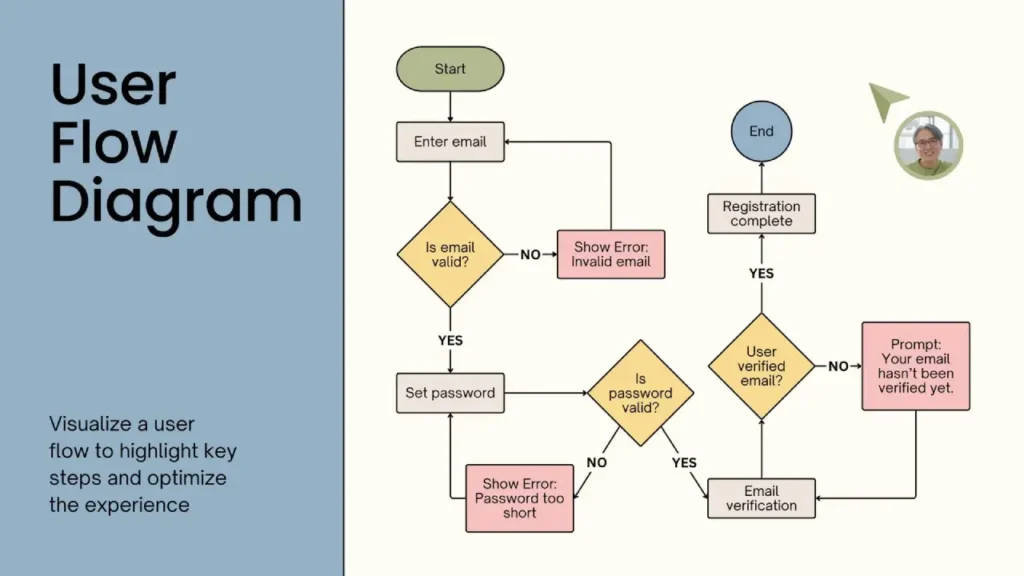
One of the most powerful features included in Canva Pro is the Brand Kit. This feature is especially useful for bloggers, businesses, content creators, and online entrepreneurs who want to maintain consistent branding across all their designs.
The Canva Pro Brand Kit allows you to upload your logo, choose brand colors, and select brand fonts. Once you set up your brand kit, you can apply your brand colors and fonts to any design with one click. This saves time and ensures that all your graphics look consistent and professional.
For example, bloggers can use the Brand Kit for:
- Blog featured images
- Pinterest pins
- Social media graphics
- Email marketing graphics
- YouTube thumbnails
- eBook covers
- Website graphics
Because branding is very important for online businesses, the Brand Kit helps create a consistent brand identity. When all your graphics use the same colors and fonts, your brand becomes more recognizable and professional.
Therefore, the Canva Pro Brand Kit is one of the most valuable features for bloggers, content creators, and online business owners.
Canva Pro vs Photoshop
Some people compare Canva Pro with Photoshop.
Canva Pro
- Easy to use
- Beginner friendly
- Drag and drop
- Templates available
- Online tool
- Fast design creation
Photoshop
- Advanced editing
- Professional designers
- Complex tools
- Steep learning curve
- Expensive
For bloggers and content creators, Canva Pro is usually better because it is easier and faster.
Canva Pro Alternatives
If you do not want Canva Pro, there are alternatives:
- Adobe Express
- VistaCreate
- Snappa
- Figma
- PicMonkey
- Photoshop
- Illustrator
However, Canva is still one of the easiest tools for beginners.
Is Canva Pro Worth It
So, is Canva Pro worth it?
Canva Pro is worth it if you:
- Run a blog
- Create social media content
- Create YouTube thumbnails
- Create marketing graphics
- Create digital products
- Do affiliate marketing
- Run an online business
- Manage social media pages
- Create presentations
- Design regularly
If you create designs often, Canva Pro saves time and improves quality. Therefore, it is a good investment for bloggers and creators.
Who Should Use Canva Pro
Canva Pro is best for:
- Bloggers
- Content creators
- YouTubers
- Affiliate marketers
- Online business owners
- Social media managers
- Freelancers
- Students
- Entrepreneurs
Basically, anyone who creates digital content can benefit from Canva Pro.
Tips for Using Canva Pro
Here are some tips to get the most value from Canva Pro:
- Use templates to save time
- Create brand kit for your blog
- Use magic resize for social media
- Use background remover for thumbnails
- Create Pinterest graphics
- Create blog featured images
- Create infographics
- Save templates for reuse
- Organize designs in folders
- Use stock photos and icons
These tips will help you use Canva Pro more effectively.
Final Canva Pro Review Verdict
In this Canva Pro review, we discussed Canva Pro features, pricing, pros and cons, Canva Free vs Canva Pro comparison, and how Canva Pro can help bloggers, content creators, and online business owners.
Canva Pro is not just a design tool. It is a complete content creation tool that helps bloggers create blog images, social media graphics, YouTube thumbnails, marketing materials, and digital products quickly and professionally.
If you create content regularly, Canva Pro is definitely worth it because it saves time, improves design quality, and helps build a professional brand online.
For bloggers, affiliate marketers, and content creators, Canva Pro can be one of the most useful tools for growing an online business.
Frequently Asked Questions
What is Canva Pro?
Canva Pro is the premium version of Canva that provides advanced design tools, premium templates, stock photos, background remover, brand kit, and more features.
Is Canva Pro better than Canva Free?
Yes, Canva Pro has more templates, stock photos, background remover, brand kit, and magic resize compared to Canva Free.
Is Canva Pro worth it for bloggers?
Yes, Canva Pro is very useful for bloggers because it helps create blog images, Pinterest pins, and marketing graphics quickly.
Can I use Canva Pro for YouTube thumbnails?
Yes, Canva Pro is widely used for creating YouTube thumbnails and channel graphics.
How much does Canva Pro cost?
Canva Pro costs around $12–15 per month or about $120 per year depending on the plan.
Are there Canva Pro alternatives?
Yes, alternatives include Adobe Express, Snappa, Figma, PicMonkey, and Photoshop.
Do I need design skills to use Canva Pro?
No, Canva Pro is beginner-friendly and easy to use without graphic design experience.
FAQ Schema Format
Question: Is Canva Pro worth it for bloggers?
Answer: Yes, Canva Pro is worth it for bloggers because it provides premium templates, stock photos, brand kit, background remover, and magic resize that help bloggers create professional blog images and marketing graphics quickly.
Question: What is the difference between Canva Free and Canva Pro?
Answer: Canva Free includes basic templates and tools, while Canva Pro includes premium templates, stock photos, brand kit, background remover, magic resize, and more advanced design tools.
Question: How much does Canva Pro cost?
Answer: Canva Pro costs around $12 to $15 per month or about $120 per year depending on the plan and location.
Question: Can I use Canva Pro for YouTube thumbnails?
Answer: Yes, Canva Pro is widely used for creating YouTube thumbnails, channel art, and video graphics.
Question: Is Canva Pro good for affiliate marketing?
Answer: Yes, affiliate marketers can use Canva Pro to create product graphics, comparison charts, Pinterest pins, and marketing images.
Question: Do I need design skills to use Canva Pro?
Answer: No, Canva Pro is beginner friendly and uses drag and drop tools, so anyone can use it without graphic design experience.
INTERNAL LINKING
Related Articles You Should Read
- How to Start a Blog in 2026 – Step-by-Step Guide
- Best Blogging Tools for Beginners (Top Tools to Grow a Blog)
- Write Blog Posts That Rank on Google | Complete SEO Guide
- Affiliate Marketing for Beginners: Complete Guide
- Best AI Tools for Bloggers and Content Creators in 2026
- Best Email Marketing Tools for Bloggers in 2026
- Best Keyword Research Tools for Bloggers
- Blogging Mistakes Beginners Must Avoid in 2026
- How Bloggers Make Money in 2026: 7 Proven Income Streams
- How to Grow Blog Traffic from 0 to 10,000 Visitors
- Best WordPress Plugins for Bloggers (Must-Have Plugins)
- Best SEO Tools for Bloggers and Website Owners
If you are building a blog or online business, you should also read these guides on blogging, SEO, affiliate marketing, and online tools to help you grow faster and make money online.
EXTERNAL LINKING SUGGESTIONS
Final CTA
Canva Pro is one of the best tools for bloggers, content creators, affiliate marketers, and online business owners who need professional graphics without learning complex design software. It saves time, improves branding, and helps create high-quality visuals for blogs, social media, YouTube, and marketing.
If you are serious about blogging or building an online business, learning how to use Canva Pro can be a very smart investment.
What You Should Do Next
If you want to grow your blog and online income, you should also read these guides:
- How to Start a Blog
- Best Blogging Tools for Beginners
- Affiliate Marketing for Beginners
- SEO Guide for Bloggers
- How Bloggers Make Money
- Best SEO Tools for Bloggers
These guides will help you build, grow, and monetize your blog step by step.